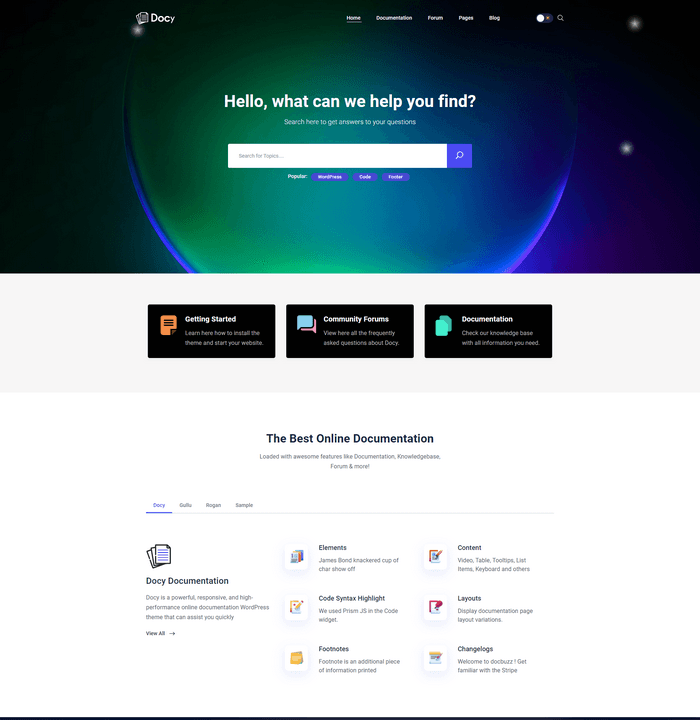
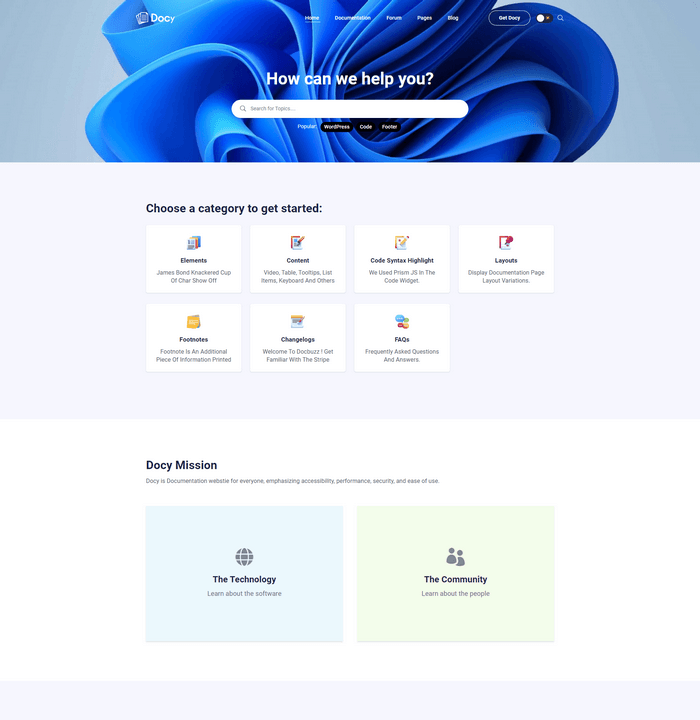
Full Dark Mode.
Every page. Every component.
Every color, shadow, border, and background is individually tuned for both modes. One setting flips every demo, page, and component instantly.
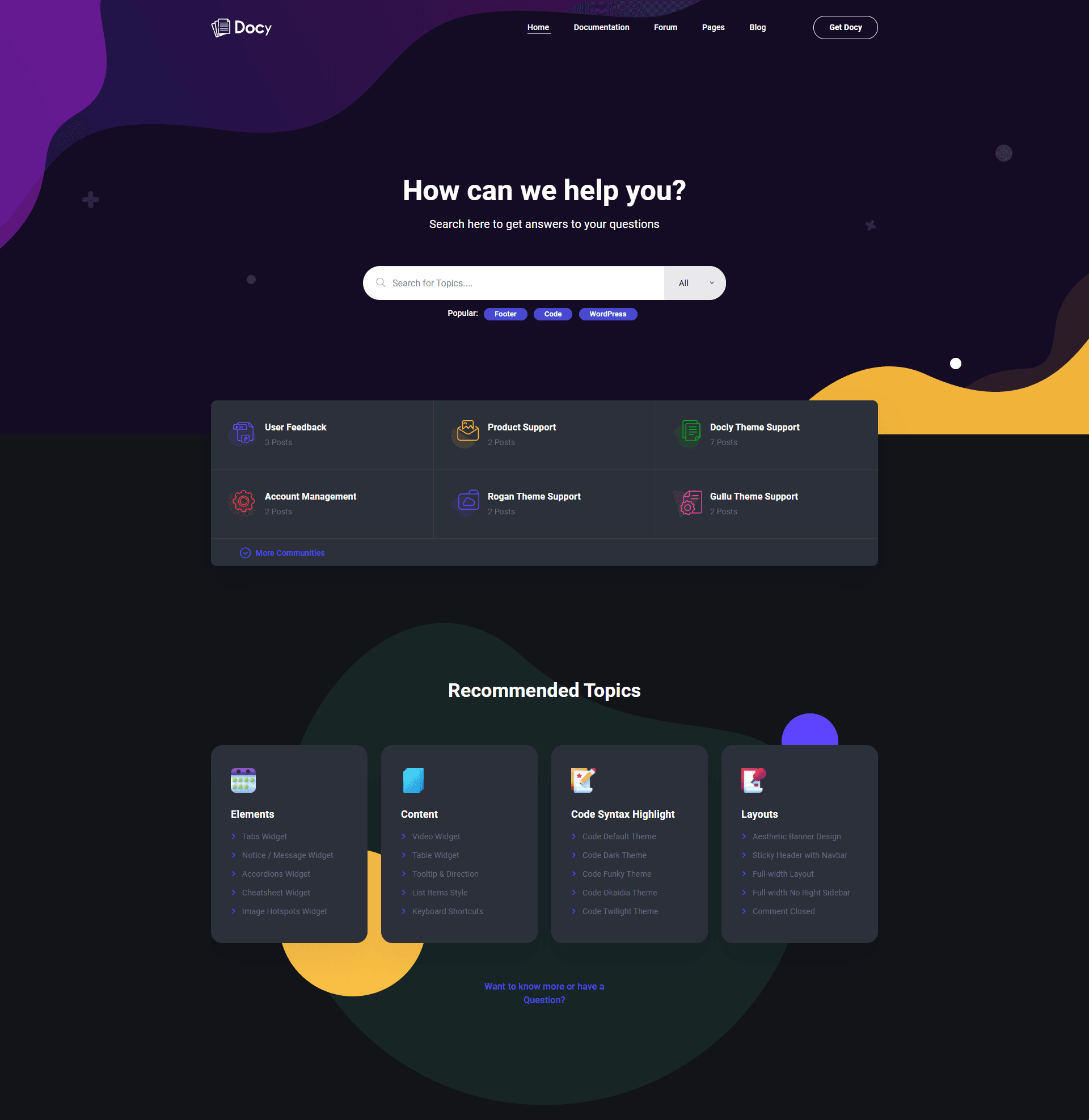
The same theme, two viewing experiences.
Light mode for print-ready clarity. Dark mode for long reading sessions.
Every shadow, glow, and gradient is individually tuned.
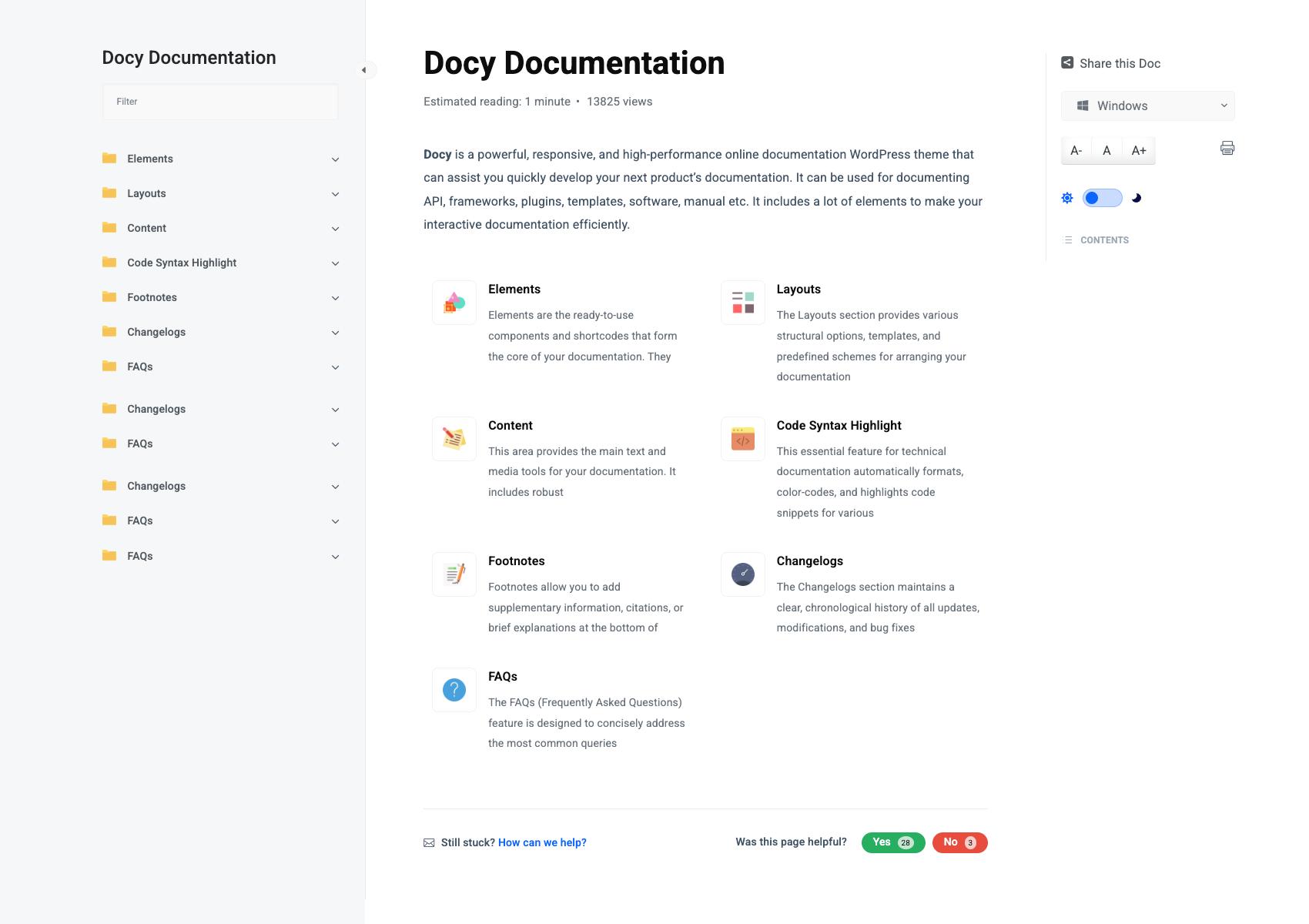
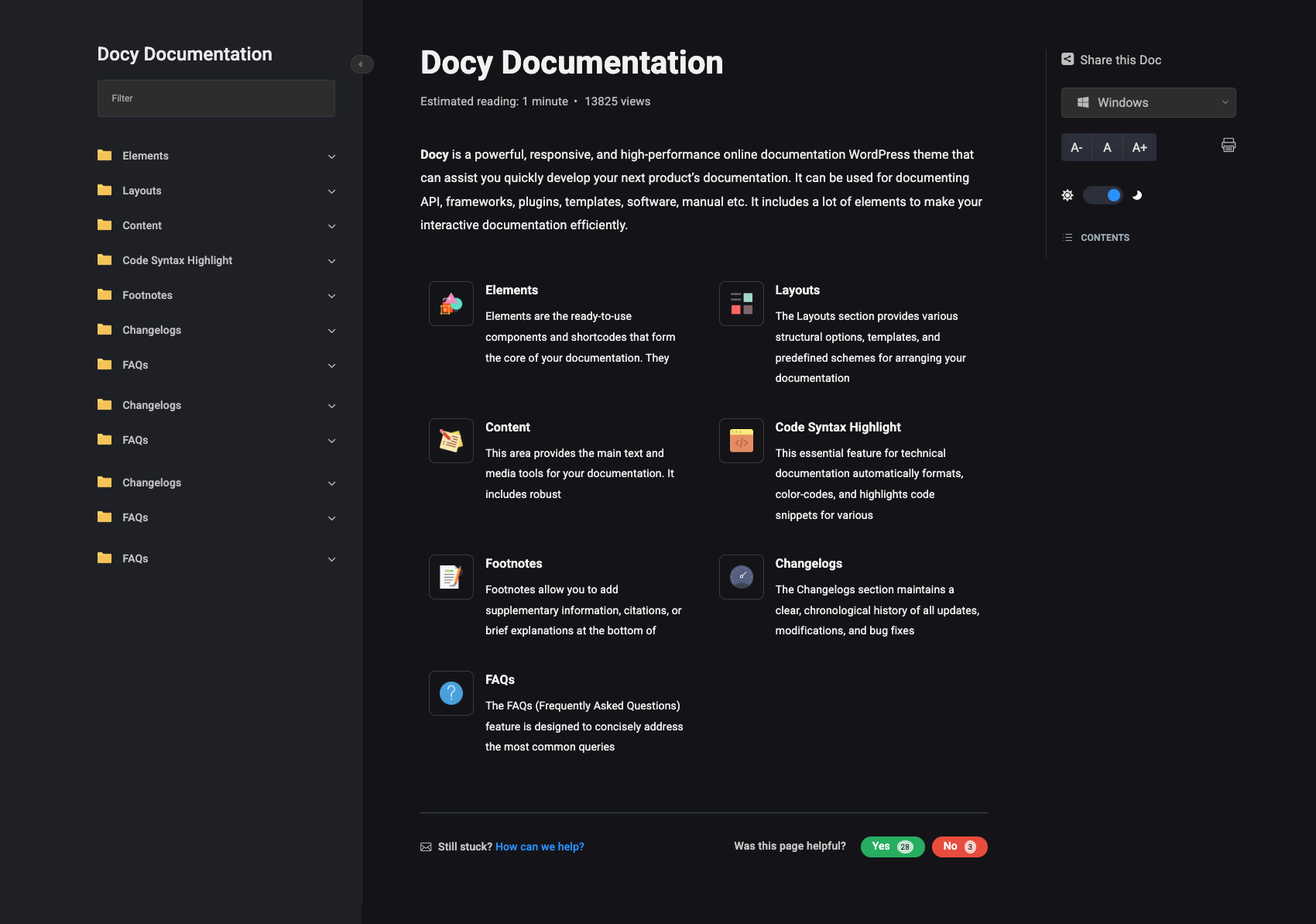
Every component. Both modes.
Not a CSS filter overlay. Docy ships separate light and dark palettes
for docs, forums, shops, and widgets.
Dark mode in 3 steps. No coding required.
On first page load the toggle reads the browser color scheme.
The selected mode is saved and stays until the visitor toggles again.
Browser-aware default
First visit respects the browser color scheme, light or dark, so the site feels native from the start.
One-click override
Switch the moon icon in the header or doc sidebar. One setting flips every demo, page, and component instantly.
Persistent preference
The chosen mode is stored locally and stays active as visitors browse until they toggle again.
Control dark mode from the admin.
Docy has a dedicated Dark Mode tab under Theme Settings.
Enable, disable, or force dark by default. No code required.
Preview dedicated dark layouts.
Docy ships dark-first homepage demos alongside light variants.
Mix and match in Theme Settings.